An image studio in your macOS menu bar.
With an AI brain.

Capture screen region·Paste bitmap·Open image or PDF file
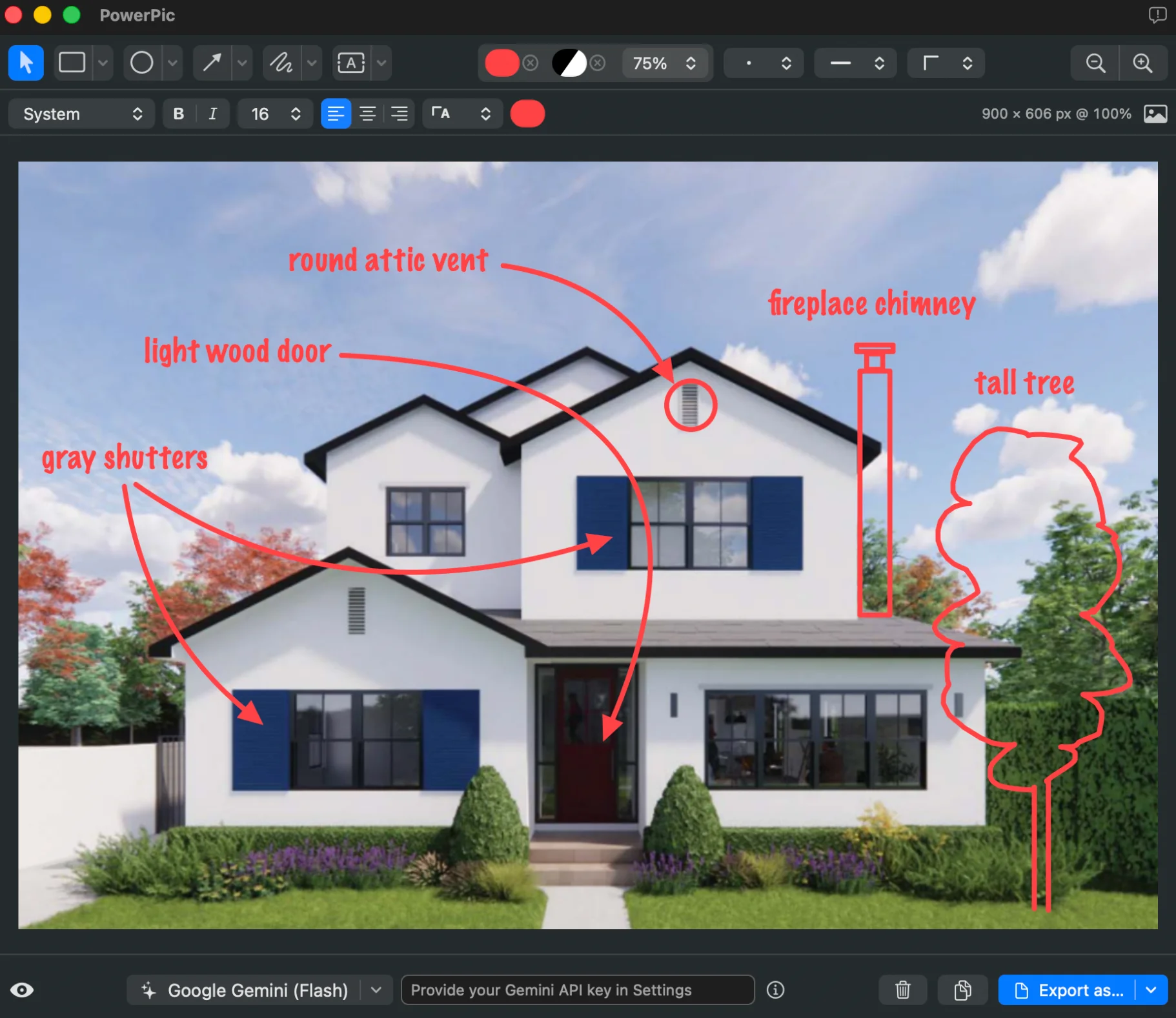
Add annotations·Make image edits·Modify via AI
Copy result·Export as·Save project
macOS 15.6+ · Apple silicon · Developer ID signed & Apple notarized
Capture & Recall
Grab any screen region with a global shortcut. Reopen recent captures from History, with annotations intact.
Annotation layers
Rectangles, ovals, image overlays, arrows, freehand, and text. Save common style presets.
Image editing
Crop or expand canvas, resize, rotate, flip, auto-enhance, straighten documents. All with full undo.
AI assistance
Ask AI to make image edits or apply annotations. Use on-device Apple Intelligence or Google Gemini (with your API key).
Export & Save
Export flattened images via one-click copy or save actions. You can also store your work as fully editable .powerpic files.
Keyboard friendly
There's a shortcut for most actions — switch tools, zoom, nudge, and reorder layers without leaving the keyboard.